Standardize and automate every critical logistics document with Atomic Route’s Document Type Configuration. From Bills of Lading and invoices to customs declarations, configure structured fields, validation rules, and approval workflows to improve accuracy, consistency, and operational efficiency.

Every logistics workflow leaves a trail of documentation. When documents vary, that trail becomes fragmented, creating errors, delays, and compliance risks. Atomic Route’s Document Type Configuration standardizes what every document must contain, how it is structured, and who can approve it.
Define your document standards once and deploy them across your entire operation. Whether it’s a simple internal document or a complex customs filing, every document adheres to your operational standards with greater accuracy, consistency, and control.

Define and enforce document standards with consistent formats, structured fields, and required information across every document your teams create, ensuring consistency throughout the entire operation.

Automatically populate document fields with system data, eliminate manual input, and trigger the right workflows the moment a document is generated.

Stay aligned with regional, customs, and industry documentation standards using pre-configured regulatory templates that simplify compliance and reduce documentation risk.
Capabilities you need to design, deploy, and control the documents your logistics operation depends on. From structured fields and validation rules to approvals and regulatory templates, standardize every document and keep workflows consistent at scale.
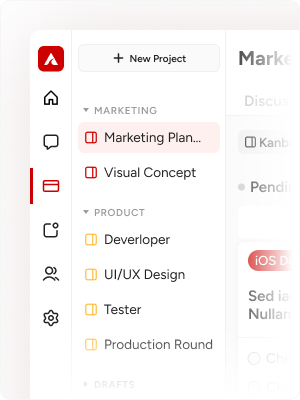
Create and customize document templates effortlessly with drag-and-drop tools, reusable content blocks, consistent branding, and complete control over layout.
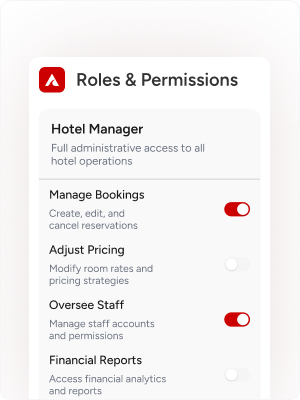
Add flexible fields, including text, dates, dropdowns, e-signatures, file uploads, and calculations to create dynamic documents tailored to any workflow or format.
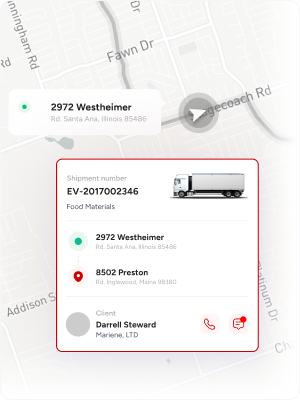
Standardize every document with built-in validation, required-field controls, conditional logic, and cross-document checks to reduce errors and maintain consistency across your workflows.
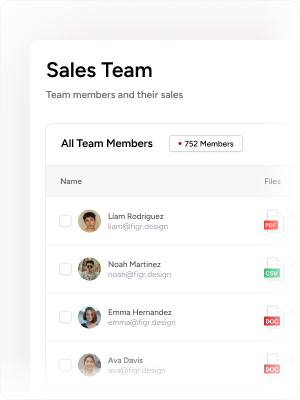
Maintain full visibility across document changes with version history, one-click rollback, and side-by-side comparisons to review every revision for greater control and accountability.
Atomic Route’s Document Type Configuration helps you turn a blank canvas into a production-ready document in four simple steps. Define the structure, configure fields and rules, apply validation, and deploy it across your workflows with consistency and control.
Define each document’s name, category, and operational purpose, such as shipping, customs, invoicing, or internal, and map it to the workflows that depend on it for seamless execution.
Configure every document with flexible, workflow-ready fields including text, dates, dropdowns, signatures, file uploads, and auto-calculated values to capture the right information every time.
Set approval workflows, assign mandatory signatures, enforce business rules, and automatically route documents to the right teams for flawless execution.
Set granular permissions for document creation, editing, approval, and access, then deploy the configured document type instantly across your organization with a single action.
Protect sensitive commercial, customs, and personal data with Atomic Route’s enterprise-grade security controls. Keep every document secure with bank-grade controls while maintaining compliance with the regulations and standards that govern your industry.


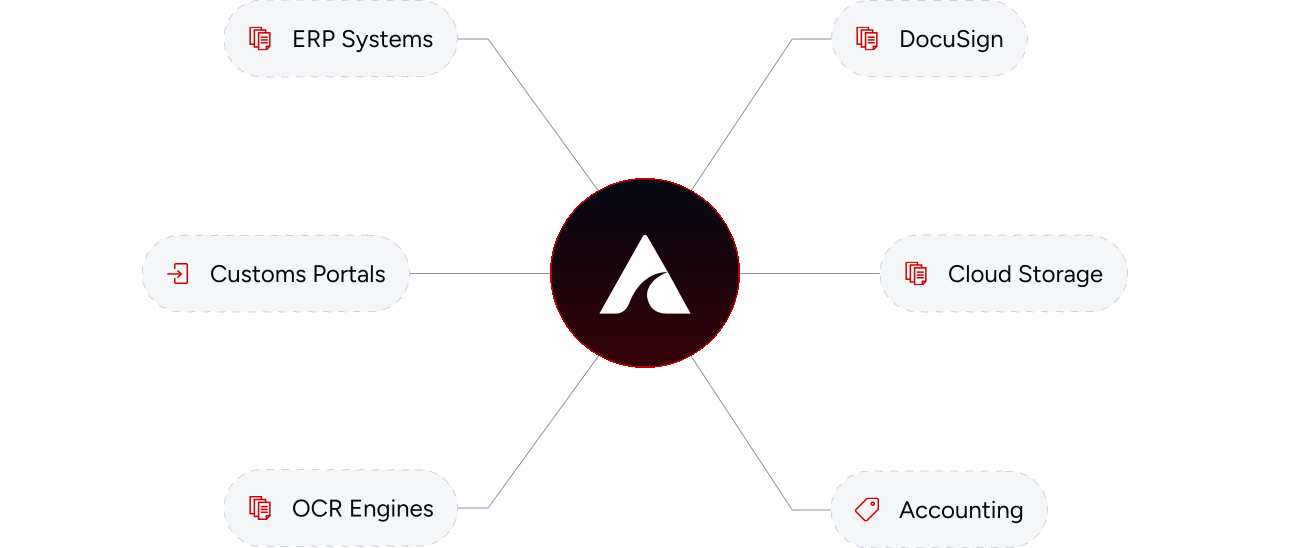
Document Type Configuration integrates seamlessly with your existing technology stack, connecting ERPs, e-signature platforms, customs portals, and accounting systems in one unified workflow.
Discover how Atomic Route’s Document Type Configuration brings fragmented templates and manual filing into one intelligent system, standardizing documents, automating workflows, and improving operational control.
Request DemoThese cookies are essential for website functionality and cannot be disabled.
Help us understand visitor behavior using tools like Google Analytics.
Remember your preferences such as language and saved settings.
Used to deliver personalized advertisements and measure campaign performance.
